- privacy
Free online PDF tools that don't upload your files
Most free online PDF tools upload your files to a server. A few run entirely in your browser. Here's how to tell the difference, why it matters, and what browser-based PDF tools can and can't do today.
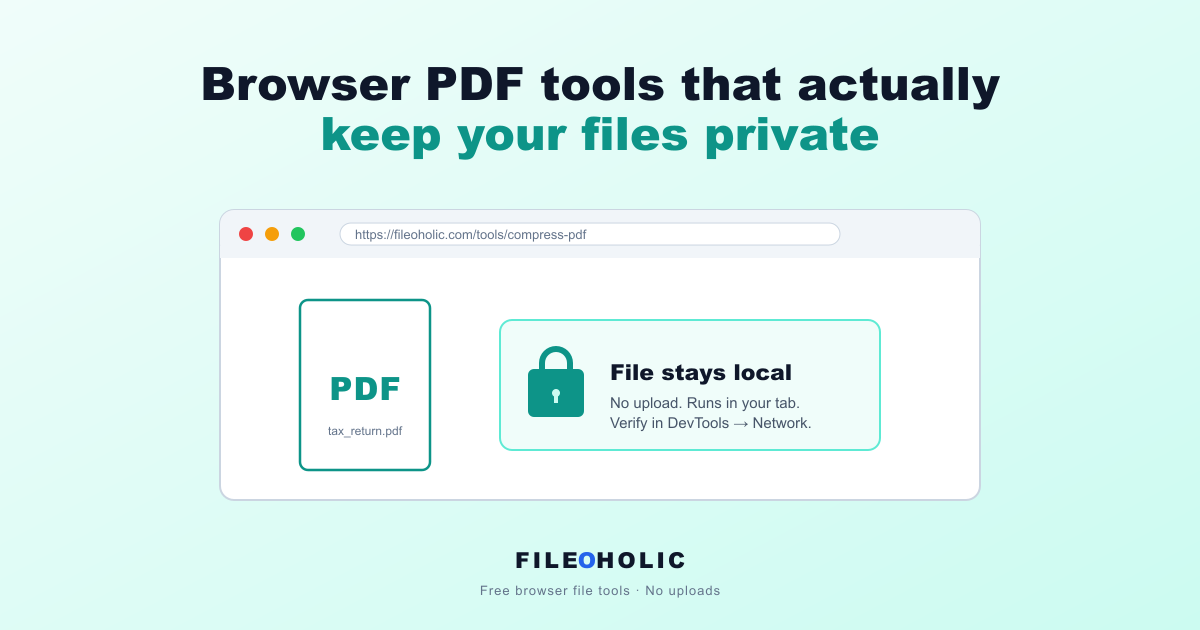
Most online PDF tools work the same way under the hood. You drop a file on the page, the page silently sends it to a server, the server processes it, and the page hands you back the result. Convenient. Also: your private document just passed through a stranger's machine.
For a vacation itinerary, fine. For a tax return, an HR letter, a medical bill, or a signed contract, less fine. The good news: modern browsers can do most PDF operations entirely locally. No upload, no server. Here's how to find the tools that genuinely run in your browser, how to spot the ones that pretend to, and what's realistic to expect from a browser-only PDF stack today.
What "browser-based" actually means
A genuinely browser-based PDF tool runs the processing in JavaScript or WebAssembly inside your browser tab. Your file is read into memory by JavaScript, processed there, and offered back as a download. At no point does the file leave your machine.
An "online" PDF tool, by contrast, runs the processing on a server. Your file gets uploaded, processed remotely, and the result is downloaded back. Even when the company promises to delete the file afterwards, the file still touched their server. You're trusting their delete policy, not verifying it.
How to tell the difference yourself
You don't need to take anyone's word for it. Browsers expose every network request a page makes, and you can watch that traffic live. Here's the test that works on any PDF tool:
- Open the tool's page
- Open DevTools (F12 on most browsers, or right-click and pick "Inspect")
- Switch to the Network tab
- Clear the existing requests (the little 🚫 button at the top of the panel)
- Drop a file into the tool and run the operation
- Look at the requests that appear
If you see a request that uploads your file (the request size will roughly match the file size, often shown in the "Size" column), the tool is server-based. If you only see small requests for analytics scripts, ad pixels, fonts, or a WebAssembly module download, and nothing carrying your file's bytes, the tool runs locally.
What's actually possible in the browser today
Quite a lot. Open-source libraries like pdf-lib and PDF.js make most common PDF operations work entirely client-side:
- Compressing PDFs (lossless cleanup pass)
- Merging multiple PDFs into one
- Splitting PDFs into pages or custom ranges
- Rotating pages
- Extracting pages as JPG or PNG
- Reading metadata, page count, and document structure
- Adding or removing simple form fields
What's harder, slower, or genuinely worse in the browser:
- Deep image re-encoding inside PDFs (for maximum compression). Acrobat still wins here
- OCR on scanned PDFs (possible with Tesseract.js, but slow on phones)
- Complex form filling with cross-page validation
- Reliable PDF-to-Word conversion (PDFs don't store paragraph structure, so this is hard for anyone)
- Removing passwords from encrypted PDFs (legally murky and technically harder)
For these harder cases, desktop software (Adobe Acrobat, PDF24, even LibreOffice for the Word conversion) is the right tool. We'd rather link you out than pretend.
What to look for in a browser-based PDF tool
The signals of a tool that takes privacy seriously:
- Clearly states "files never leave your browser" or "no upload", and the DevTools Network tab confirms it
- Doesn't require an account or email signup just to process one file
- Doesn't impose arbitrary daily caps that nudge you toward a paid tier
- Doesn't add watermarks to the output
- Doesn't run intrusive interstitial ads or popups before the processing
- The privacy policy specifically addresses what happens to your files (not generic boilerplate)
Signals to be cautious about
The marketing language that tells you the tool is actually server-based:
- "Files deleted within 30 minutes": that's a deletion policy, which only matters if the file was uploaded in the first place
- "256-bit SSL encryption": that's just HTTPS, which every site on the internet has. It's not a privacy feature
- "Bank-grade security": meaningless phrase, ignore it
- Forced login or signup before you can drop a file
- Aggressive upselling to a paid plan after the first conversion
The honest opinion
The "no upload" claim has become marketing fluff for half the PDF-tool industry. Plenty of sites that say "your files are safe" upload them anyway, and the security claim refers to the SSL connection during the upload. That's not what most people mean by safe.
The real test is the Network tab. If you've never opened DevTools on a tool you use regularly, do it once. It takes 30 seconds and you'll know for certain what the tool is doing with your file. We'd rather you verify our claim than trust it.
Where Fileoholic sits
The PDF tools at Fileoholic all run entirely in your browser. Compression, merging, splitting, PDF to JPG. None of it sends your file to a server. There's no signup, no daily cap, no watermark. The privacy claim is verifiable in your browser's developer tools, and we're transparent about which open-source library does which job under the hood.
For tasks browser tools can't handle well (deep image compression, OCR, complex editing), we link out to desktop alternatives instead of pretending we can do them. That's the privacy-first stack: do what's genuinely safe in the browser, be honest about the rest, and let the user verify.