- publisher
- windows
- documents
How to Open a .pub File Without Publisher (Free, After October 2026)
Microsoft Publisher is gone and your .pub newsletters, menus and flyers won't open. What changed, the free ways to open a Publisher file without Publisher, and how to save it as a PDF without uploading it anywhere.
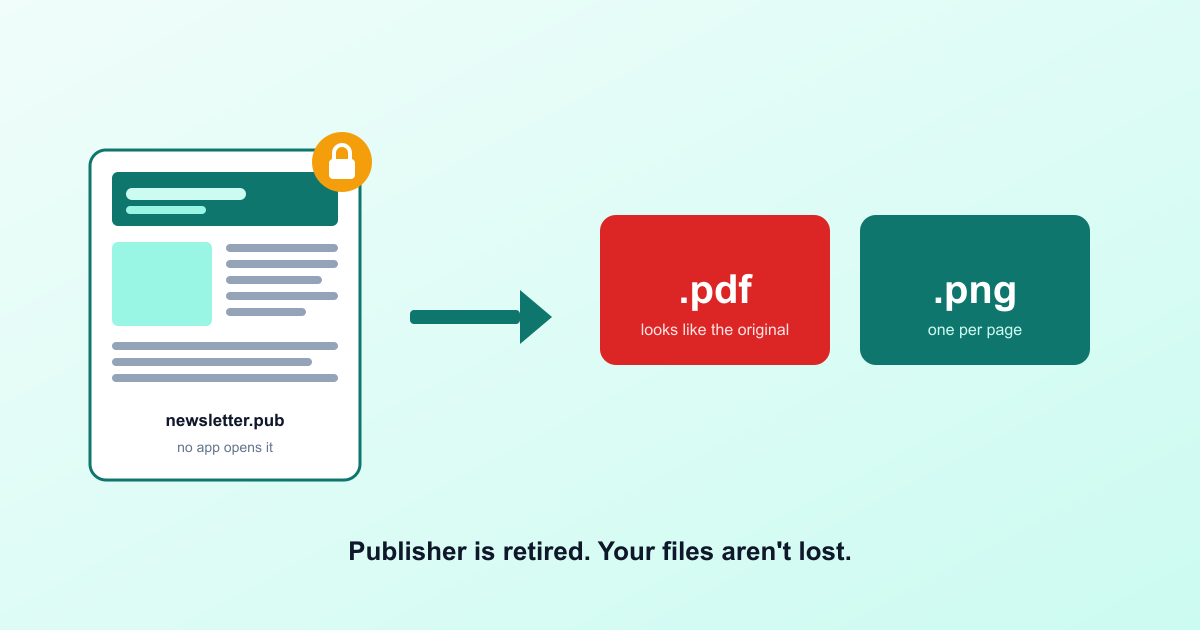
You open the parish newsletter you've been doing every month since 2012, and Publisher isn't there any more. The file is still on your computer. It's called bulletin-october.pub. Double-click it and Windows asks what you'd like to open it with, and nothing on the list works.
Short answer: Microsoft retired Publisher, and .pub is a format only Publisher ever read properly. You haven't lost the work. You need something that reads the file and hands it back as a PDF, and that's a two-minute job.
What Microsoft actually changed
Microsoft set two dates for the end of Publisher. From 1 October 2026, Microsoft 365 subscribers can't open Publisher at all. On 13 October 2026, support ends for the versions people bought outright: Publisher 2016, 2019 and 2021. Those bought copies keep running after that. They just stop getting fixes.
Microsoft's own advice is to convert your publications before you lose access: open each one and save it as PDF, or save it as PDF and open that in Word if you want to edit. Good advice, if you still have Publisher. Useless if you're reading this because you don't.
Why nothing else opens a .pub file
Publisher saved in its own format, built for one job: boxes of text and pictures pinned to exact spots on a page. Word works the other way, with text that flows from one line to the next, so it never learned to read .pub. Neither did Google Docs. And Publisher never had a Mac version, so no Mac app reads it either. Thirty-odd years of newsletters, menus and certificates, in a format with one reader. That reader just left.
Fix 1: convert it in your browser (no install)
Drop the file into our Publisher converter. It reads the .pub file on your own computer, shows you page 1 as it will come out, and lists anything that didn't make it across. Then pick a format:
- PDF keeps the page looking like the original. Print it, email it, file it away.
- PNG pictures give you one image per page, handy for a website or a social post.
It's honest about its limits, and so am I. We ran 40 real Publisher files through it, from Publisher 97 to Microsoft 365, and 32 converted. Newsletters and notices come across well; busy flyers with lots of overlapping text boxes can come out messy. Old Publisher clip art is the thing most often missing, text set at an angle can drift, and some files can't be read at all: 8 of our 40. When that happens the tool says so instead of handing you a blank page.
Fix 2: if you still have a bought copy of Publisher
Publisher 2016, 2019 or 2021 bought outright still opens your files after October. Use it while you have it: open each publication and choose File → Save As → PDF, or save as PDF and open that in Word to edit. Do the important ones first. A machine that dies takes that option with it.
Fix 3: LibreOffice Draw (free, desktop)
LibreOffice is a free office suite, and its Draw program opens many .pub files. It needs installing, it's a big download, and it tends to move complicated layouts around. But it's free and it works offline, and for a whole folder of old publications it's worth having.
What doesn't work
Renaming newsletter.pub to .docx or .pdf doesn't convert anything. It only changes the label, and Word will tell you the file is damaged. Online converters that ask you to upload the file do work, but think about what's in it first. So much of what people made in Publisher is membership lists, rotas, contact sheets and school newsletters full of children's names, and none of that needs to sit on a stranger's server.
Which format should you pick?
| You want to… | Save it as |
|---|---|
| Change the words | PDF, then open it in Word |
| Print it or send it on | |
| Put a page on a website or social post | PNG pictures |
FAQ
Can Word open a .pub file?
No. Word has never opened Publisher files, and neither have Google Docs, Pages on a Mac or any phone app from Microsoft. The file needs something that reads Publisher's own format and turns it into one of theirs.
What happened to Microsoft Publisher?
Microsoft retired it. Microsoft 365 subscribers lost access to Publisher on 1 October 2026, and support for the versions people bought outright (Publisher 2016, 2019 and 2021) ends on 13 October 2026. Those bought copies keep running after that, just without updates.
What's the best free way to open a .pub file now?
If you still have a bought copy of Publisher installed, open the file and save it as PDF or Word. If you don't, a browser converter that reads the file on your own computer and gives you a PDF is the quickest route; LibreOffice Draw is the free desktop option.
Will my newsletter look the same after converting?
Usually close. Text boxes, pictures, tables and shapes come across. Old Publisher clip art is the thing most often lost, because it's stored in a Windows-only picture format, and text set at an angle can land slightly off. A good converter tells you what changed rather than letting you find out at the printer.
Can I turn a .pub file into an editable Word document?
Only well with Publisher itself: File → Save As → Word, on a copy of Publisher 2016–2021. Browser converters that promise Word mostly lose the layout; we tested ours in real Word and held it back. The practical route is PDF first, then open the PDF in Word, which turns most PDFs into editable text.
Is it safe to use an online .pub converter?
Most of them upload your file to their server to convert it. Church rotas, school newsletters and membership lists often carry names, phone numbers and addresses, so prefer a converter that works in your browser and never sends the file anywhere. You can check in the browser's Network tab.
Do this before you forget
My advice: don't convert one file when you need it and leave the rest. Take ten minutes and convert the ones that matter now, the templates you reuse and the issues you'd hate to lose, and keep a PDF of each. If you still have Publisher, save a Word copy too. The .pub files will only get harder to open from here. Your newsletters won't mind the new format. They'll mind being stuck in the old one.