- numbers
- windows
- spreadsheets
How to Open a .numbers File on a Windows PC (Free, No Mac Needed)
How to open a Numbers file on a Windows PC: why Excel and Google Sheets can't read Apple's .numbers format, and the free browser way to convert it to .xlsx — no Mac, no upload, no signup.
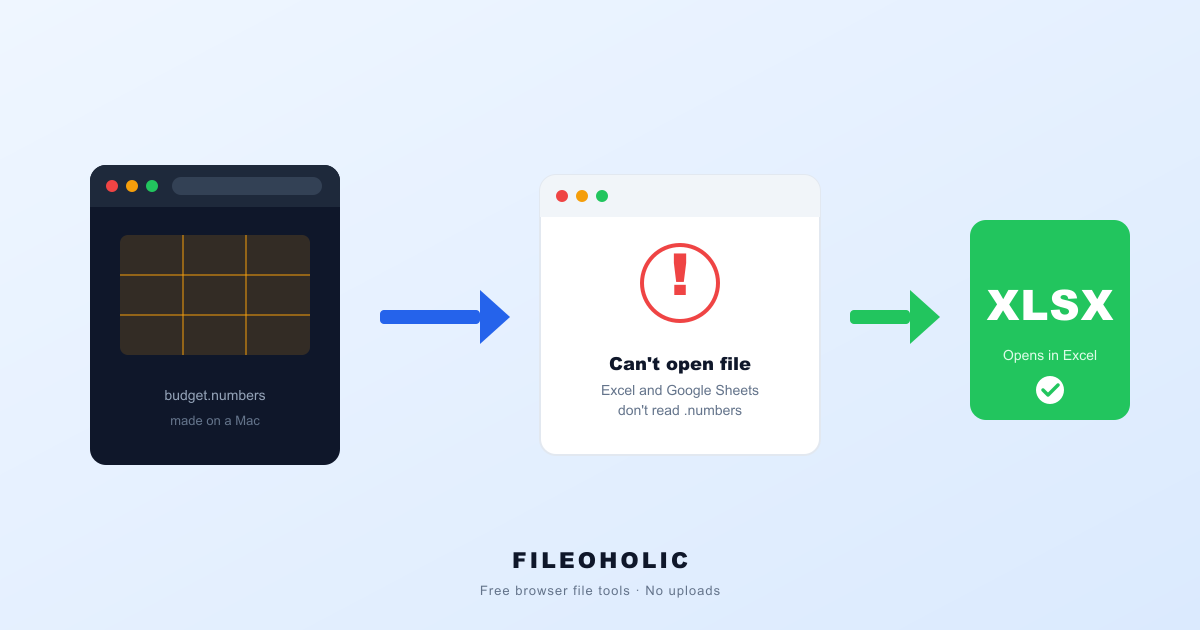
Someone on a Mac sends you a spreadsheet. You go to open it on your Windows PC and… nothing. The file is called budget.numbers, Excel won't touch it, Google Sheets shrugs, and double-clicking just makes Windows ask which app you'd like to fail with.
Short answer: .numbers is Apple's private spreadsheet format, and nothing outside Apple's own apps can read it directly. You don't need a Mac to fix this — you need to convert the file to .xlsx (Excel) or .csv first. Here's why it happens and the fastest free way through it.
Just need the fix right now? Drop the file here:
It runs in your browser, so the file never leaves your computer. The same converter, with more help, is on the Numbers to Excel page.
What a .numbers file actually is
Numbers is Apple's spreadsheet app — the Mac, iPhone, and iPad equivalent of Excel, and it's free on every Apple device. When you save in Numbers, it doesn't write an Excel file. It writes its own .numbers format.
Since 2013 that format has been an iWork Archive: a zipped bundle of Apple's internal data, encoded the way the Numbers app likes it rather than the way the rest of the world reads spreadsheets. There's no public "open a Numbers file" button in Windows because Apple never built the format to be opened anywhere but Apple's own apps. It's a classic orphan format — same story as HEIC photos from an iPhone, just for spreadsheets instead of pictures.
Why Excel and Google Sheets both refuse it
Excel opens .xlsx, .xls, and .csv. Google Sheets imports those plus a few more. Neither list includes .numbers — not because it's difficult, but because it's Apple's format and they have no reason to support a competitor's private file type. So the file that opens perfectly on your colleague's Mac is, on your PC, a dead end until it's converted.
Fix 1: convert it in your browser (no Mac, no install)
The fastest route, and the one that needs nothing but the file you already have: drop the .numbers file into our Numbers to Excel converter. It reads the file on your own device, extracts the data from every table, and hands you back a clean .xlsx workbook — or a .csv if you prefer. Nothing is uploaded; your figures never leave your computer, which matters when the spreadsheet is a budget or a payroll sheet.
Open the resulting .xlsx in Excel, LibreOffice, or Google Sheets and you're working again. If the Numbers file had several tables on a sheet, the Excel version keeps each one as its own tab.
Fix 2: if you have access to a Mac or iPhone
Have an Apple device within reach? Open the file in Numbers, then choose File → Export To → Excel and send yourself the .xlsx. It's a solid option when the Mac is right there — but it's not a fix if the whole problem is that you don't have one, which is exactly why most people land here.
Fix 3: iCloud in a browser (needs an Apple ID)
If you have an Apple ID, you can upload the file to iCloud Numbers on the web, open it, and export to Excel from there. It works, but it means creating or using an Apple account and uploading your spreadsheet to Apple's servers — more steps and less private than converting the file locally.
Numbers, Excel, CSV — which output should you pick?
| Output | Best for | Keeps |
|---|---|---|
| .xlsx (Excel) | Everyday use, multiple tables | All sheets, cell values |
| .csv | Importing into another system | One table per file, values only |
FAQ
Can Windows open a .numbers file at all?
Not on its own. Windows has no built-in reader for Apple's .numbers format, and neither Excel nor Google Sheets can import it. You have to convert it to a format they understand — .xlsx or .csv — first.
Is there a free way to convert Numbers to Excel without a Mac?
Yes. A browser-based converter reads the .numbers file on your own device and rebuilds it as .xlsx or CSV. No Mac, no Apple ID, no iCloud account, no software install. Our tool does exactly this and never uploads your file.
Will I lose my data converting Numbers to Excel?
Your cell values come through intact — that's the part almost everyone needs. Live formulas, colors, and charts are stored in Apple's private format and may not survive, because no non-Apple tool can fully read them. For moving numbers and text off a Mac, the conversion is faithful.
The .numbers file has several tables. What happens to them?
Numbers lets one sheet hold several separate tables. Converting to Excel puts each table on its own sheet inside one workbook. Converting to CSV gives you one .csv file per table, since a CSV can only hold one table.
How do I open a .numbers file someone AirDropped or emailed me?
Save the attachment to your PC, then drop it into a Numbers-to-Excel converter. You'll get an .xlsx you can open in Excel, LibreOffice, or Google Sheets. The original .numbers file stays untouched.
The five-second workflow
- A
.numbersfile is an Apple-only spreadsheet — Windows, Excel, and Google Sheets can't read it as-is. - No Mac needed: convert Numbers to Excel in your browser, free, nothing uploaded.
- Got a Mac or iPhone handy? Export to Excel from the Numbers app instead.
- Have an Apple ID and don't mind uploading? iCloud Numbers can export too.
- Got a
.pagesdocument instead? Same story, same fix: open a .pages file on Windows.
It's a frustrating little wall — a file that works fine two feet away on a Mac and not at all on your PC. But the data was never really trapped. Convert the file once, and that .numbers attachment turns back into an ordinary spreadsheet you can actually use.